- Free Shipping for orders over $249*

- +1 800-943-2341
- Aptika.ca

- Aptika.com


- Currency: CAD
- Français
 My Account



IDpack
Promotion*
Promotion*
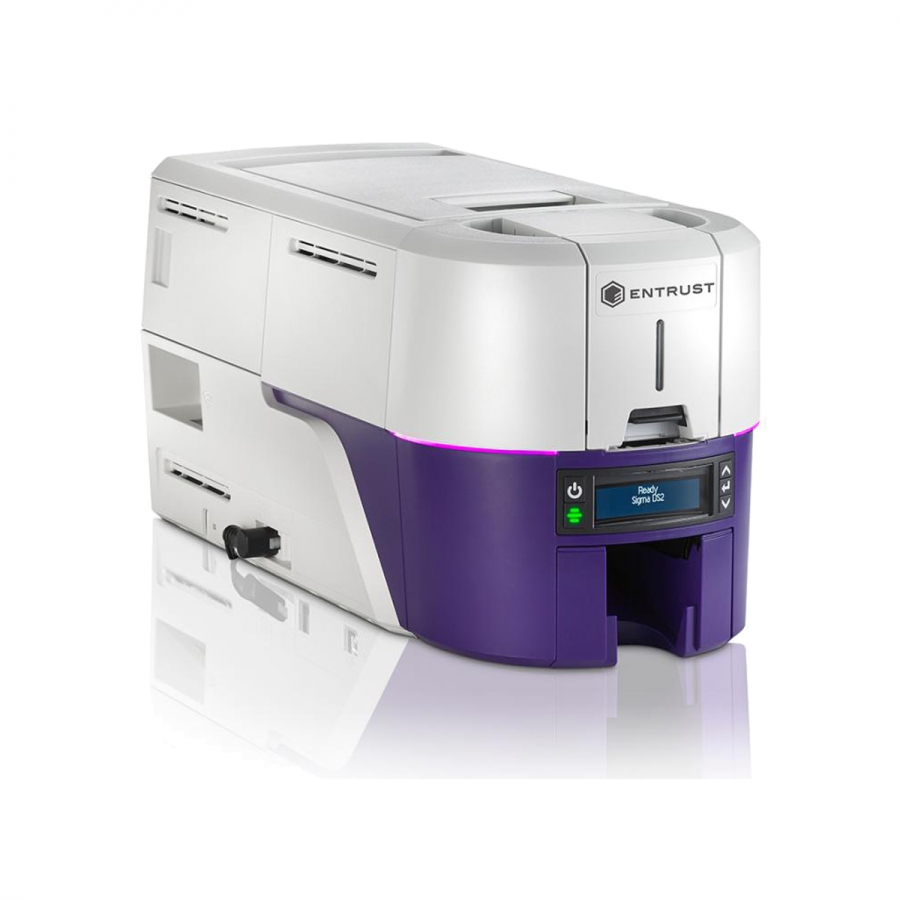
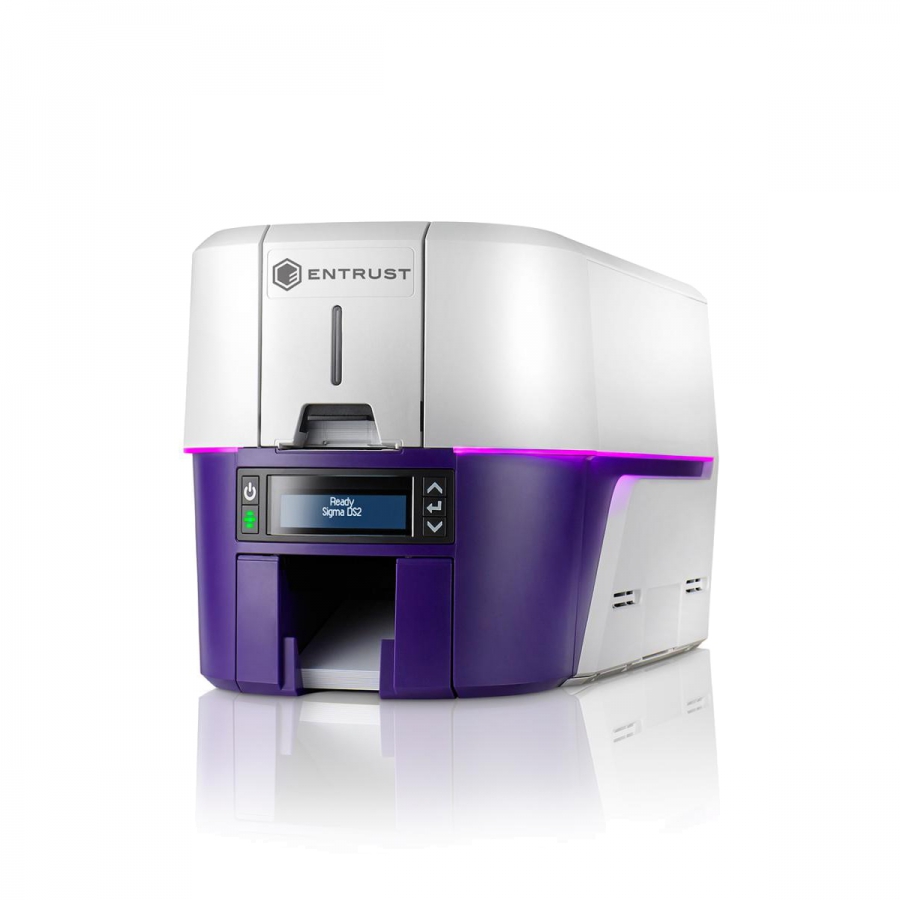
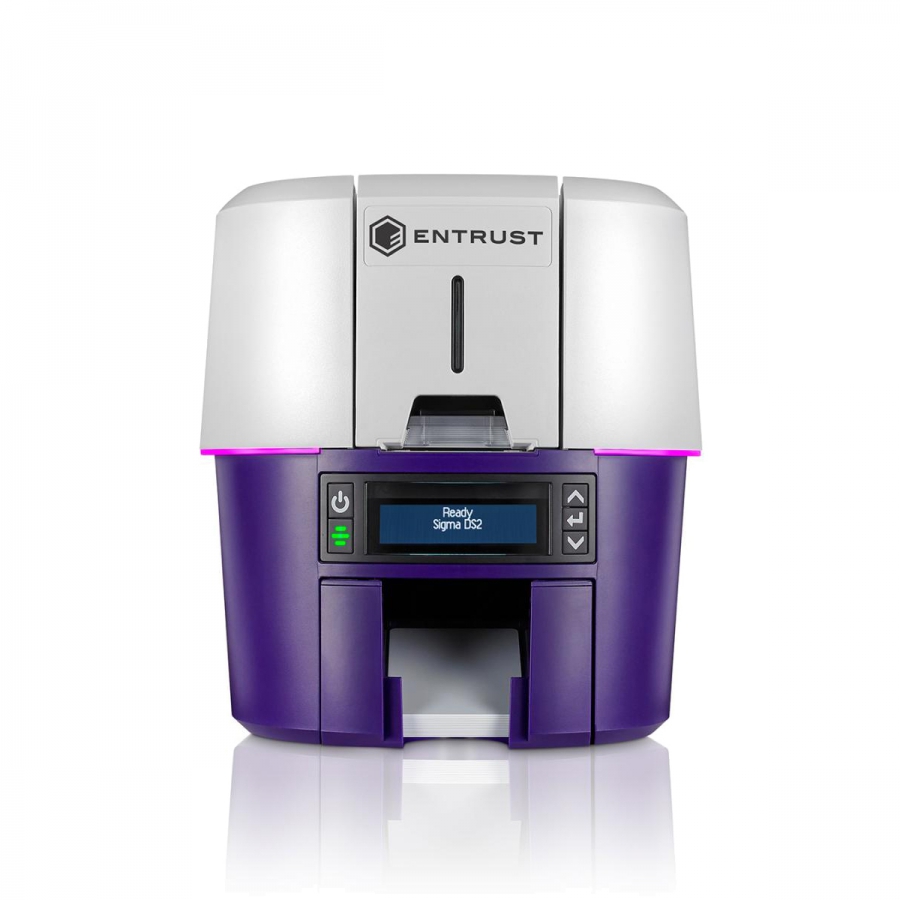
Entrust Sigma DS2 - Simplex - 125-Card Input Hopper
Sigma DS2 Simplex Printer is the next-generation single-sided printer from Entrust ID Card Printers specifically designed for today's cloud environments.
Overview
Sigma DS2 - Simplex: The next generation of direct-to-card printing
Entrust Sigma ID Card Printers are specifically designed for today’s cloud environments and give you the ability to issue secure identities easily.
The world’s most user-friendly ID card printer
- Intuitive printer dashboard lets you see printer status, order supplies, check cleaning status, update firmware, or contact help – all from your mobile device
- Seamless self-service lets you access how-to videos and other helpful resources by simply scanning QR code on the LCD display
- Variable LED light ring lets you incorporate brand colours or other customization into your ambient environment
- Pre-loaded ribbon cassettes make switching ribbons easy
Unmatched security
- Secure boot protects the system from malware or virus on boot-up
- Trusted Platform Module (TPM) manages the printer’s own TLS/SSL certificates and keys
- Connection and data sent between software and printer is encrypted
- Customer data is encrypted and is not stored in the printer after printing is complete
- Luster printing and other security features added to cards protect from tampering and counterfeiting
Flexibility and scalability built for the future
- Issuance capabilities include physical cards and digital mobile flashpass
- Choose on-premises or cloud-hosted deployment
- Expand your ID Program as your needs change by adding smart card capabilities, wi-fi connectivity, and more
- Print anytime, anywhere with your mobile device (iOS, Android, Windows)
Entrust Sigma DS2 Single Sided ID Card Printer Specifications
- Print technology Dye sublimation
- Print capabilities Single-sided
- Print resolution 300 dots per inch (dpi) (300 X 600, 300 X 1200)
- Print speed Single-sided color ribbon: up to 225 cards per hour (cph)
- Card capacity Input hopper: 125 cards, Output hopper: 25 cards
- Card sizes Thickness: 0.010 inches to 0.040 inches (0.25mm - 1.016mm), Dimension: ID-1, CR-79
- Operating environment Temperature: 60°F to 95°F (15°C to 35°C), Humidity: 20-80% RH – non condensing
- Physical dimensions L 17.4 in x W 8.9 in x H 9 in / 44.2 cm x 22.6 cm x 22.9 cm
- Weight 11.3 lbs (5.49 kg); will vary with options
- Connectivity USB and Ethernet
- Warranty 36 months
- Operating system
- Windows 10 versions, 32- and 64-bit
- Windows 8.1, 32- or 64-bit
- Windows Server 2019
- Windows Server 2016
- Windows Server 2012, R2, 64-bit
* Promotion not transferable, valid only for the duration of the promotion.
Recommended Products

![Entrust Cleaning Swabs [Pack of 5 swabs]](https://cdn.aptika.com/images/images-150x150/entrust-cleaning-swabs-pack-of-5-swabs-4640.jpg "Entrust Cleaning Swabs [Pack of 5 swabs]")
Recommended Articles
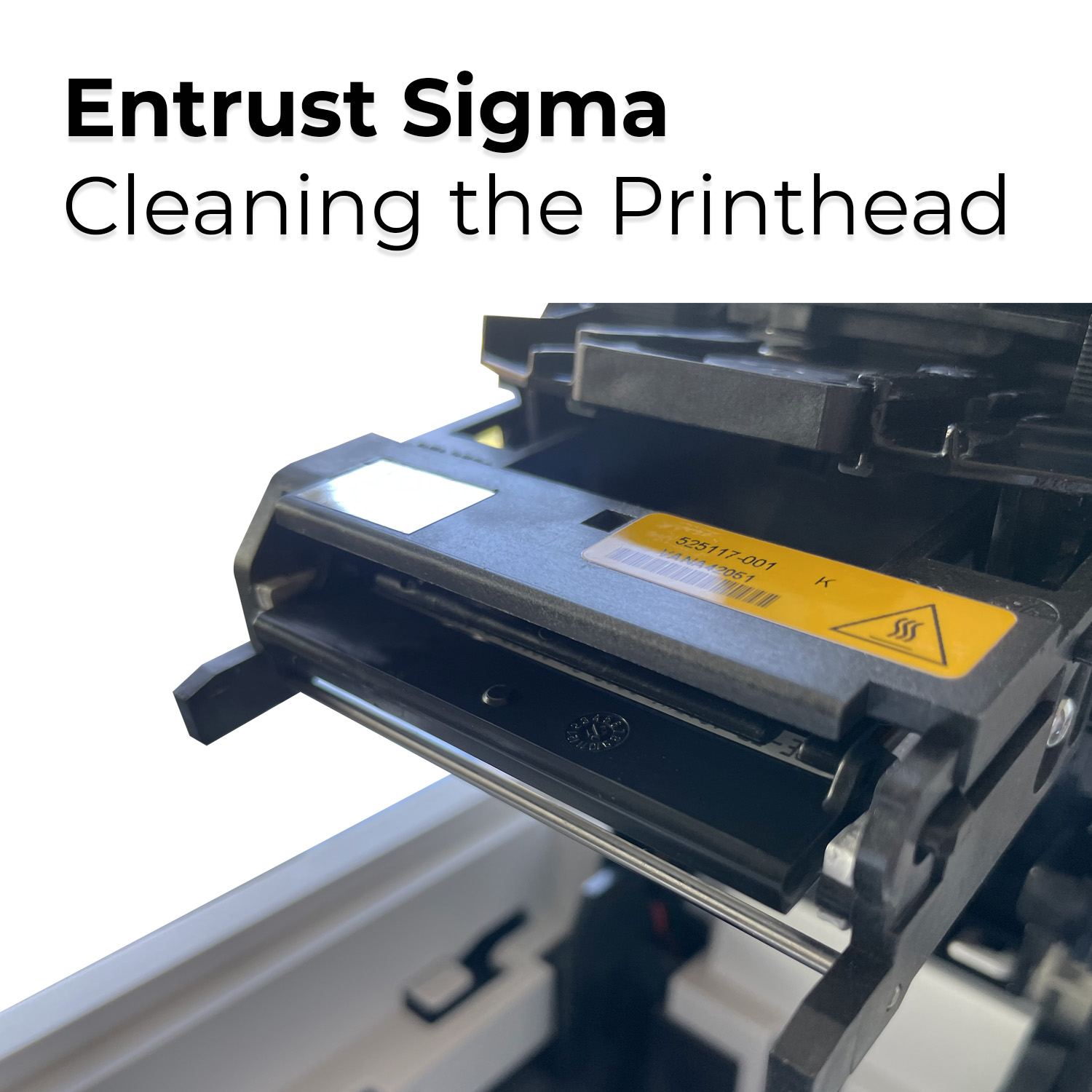 | When printing ID cards with an Entrust Sigma DS1 or DS2 printer, if you notice a long white line across the design, your print head is either damaged or dirty. So first, clean the printhead properly and try again. | |
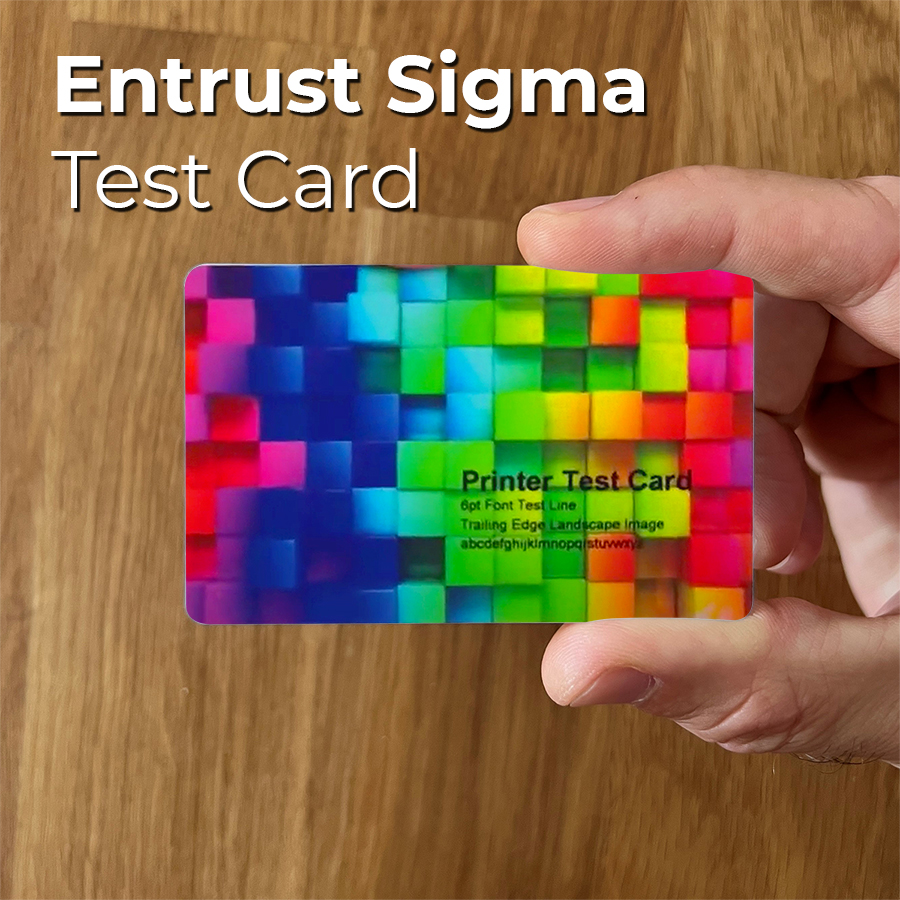 | How to print a test card with an Entrust Sigma DS1 or DS2 Printer using the front LCD Panel. You also can print a test card from the Printer Dashboard. | |
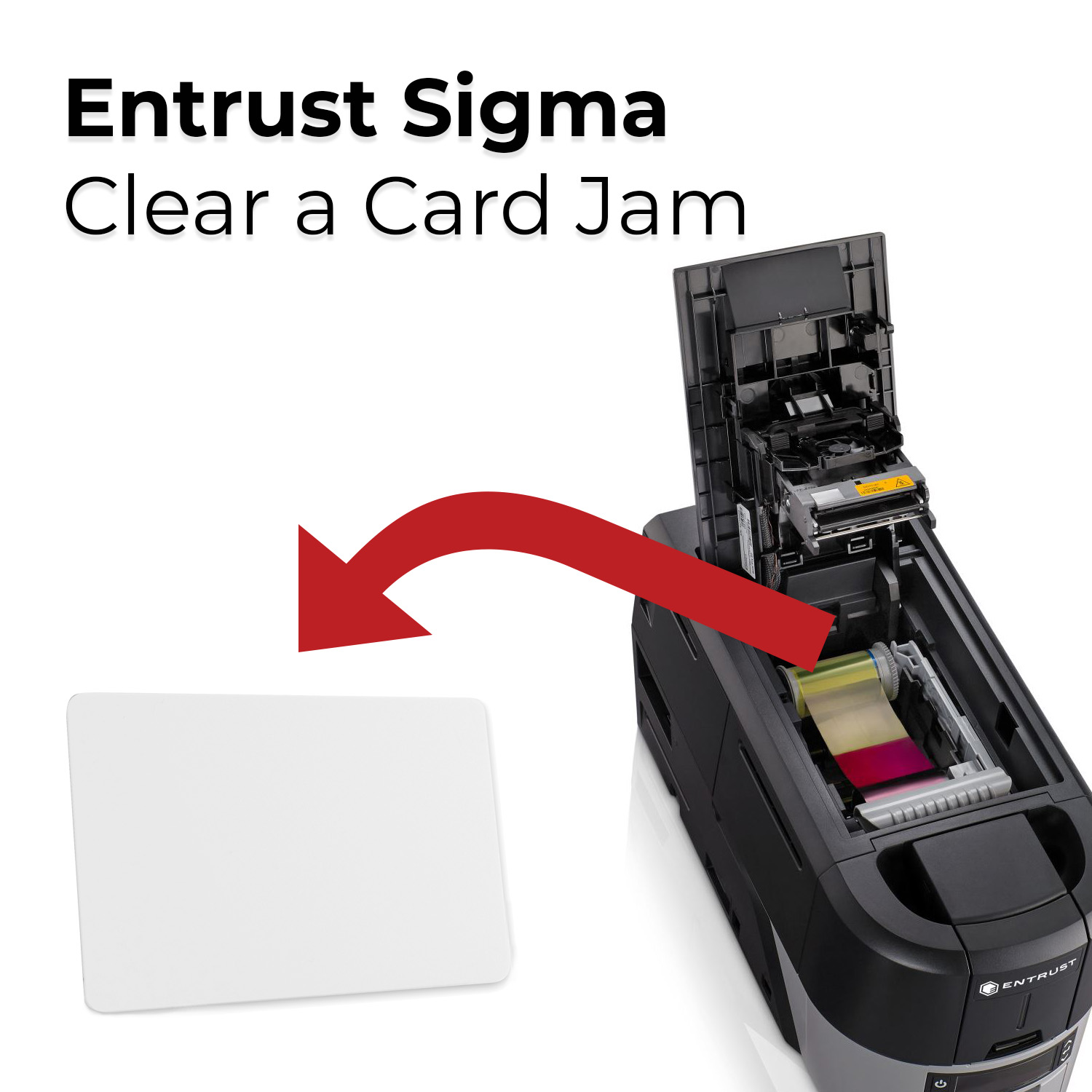 | How to Clear a Card Jam with an Entrust Sigma DS1 or DS2? You can usually resolve the error by pressing the USER button so that the printer displays Ready. If the error persists, do the following to remove the card from the printer. | |
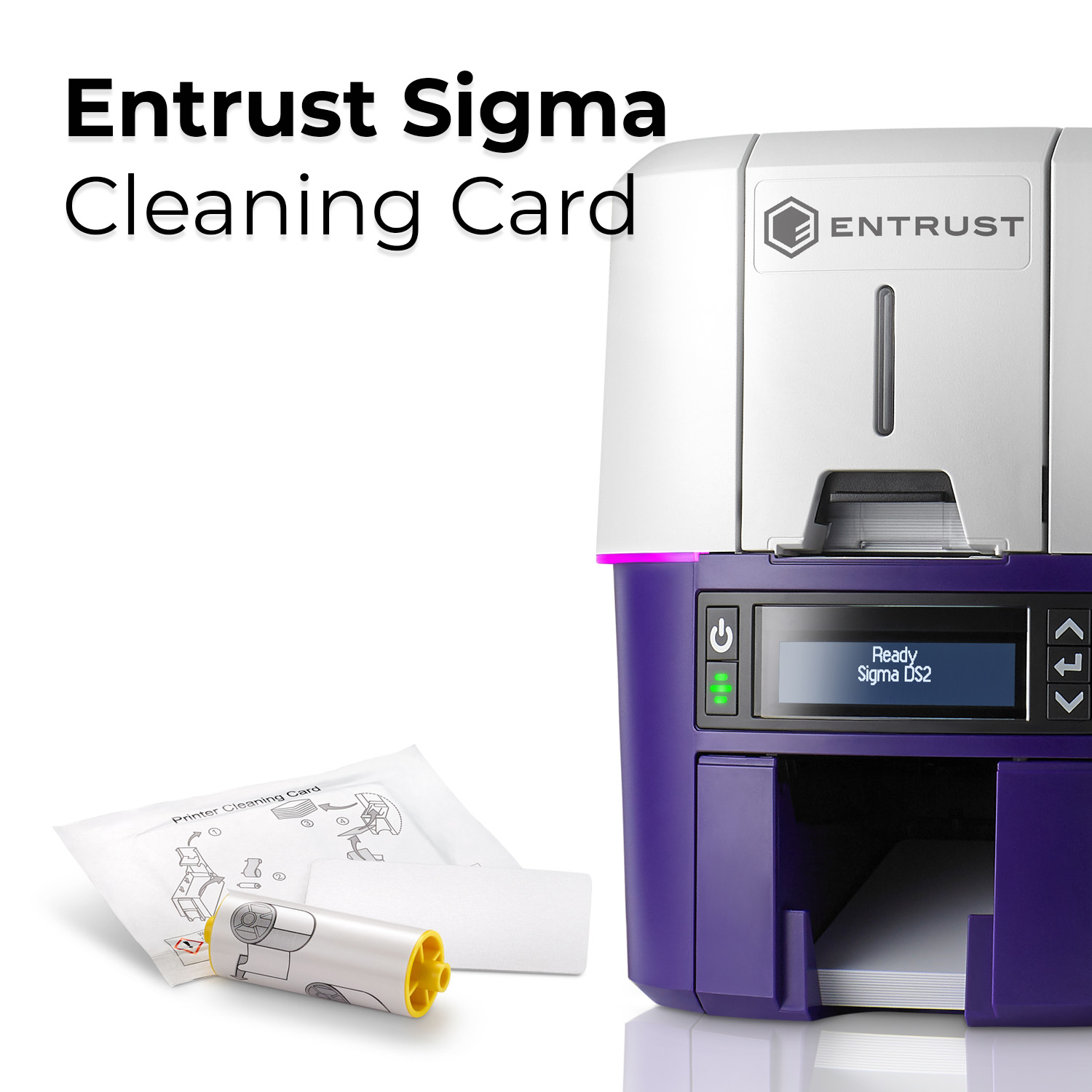 | You need to run a cleaning card each time you change the print ribbon, after every 500 cards processed by the printer, if print quality diminishes, or more often, depending on your environment. | |
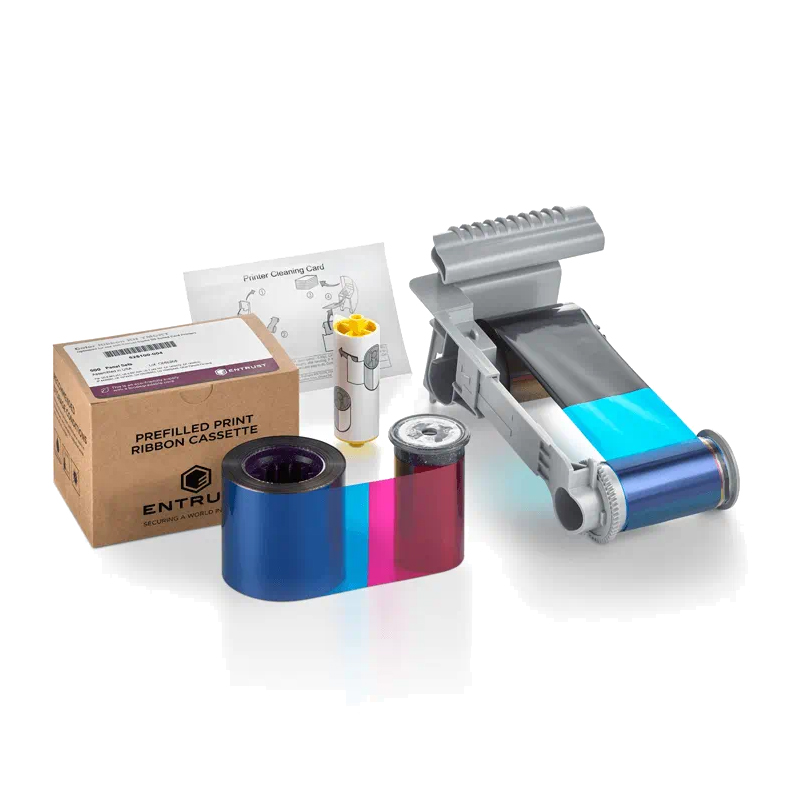 | How to load the print ribbon cartridge in your Entrust Sigma DS1 or DS2 printer and deliver high-quality results while optimizing the performance of your system. | |
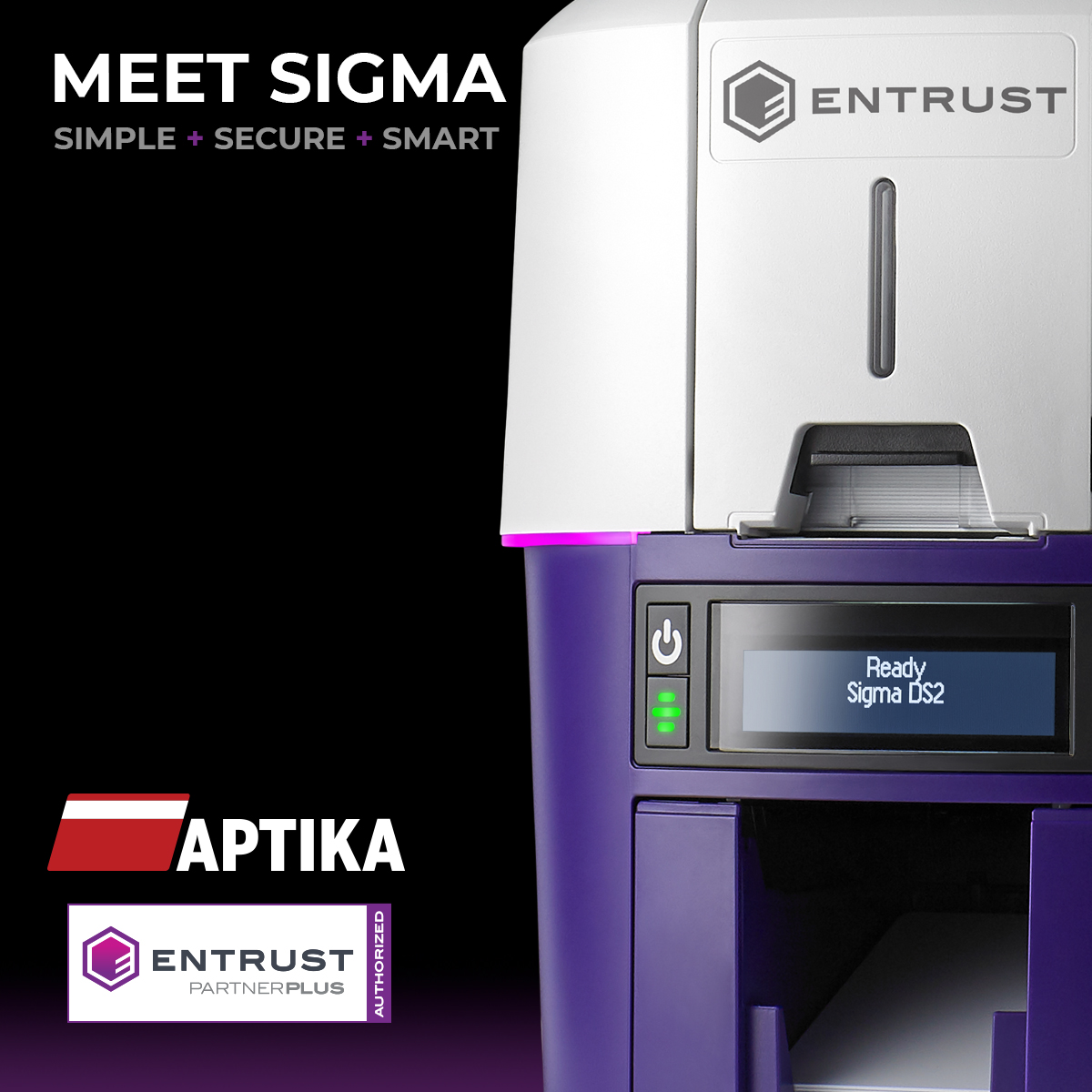 | Aptika is now an Entrust Partner Plus, and this new partnership will benefit all our customers in Canada and the United States. Instantly issue secure, durable, and beautiful ID cards for your business, organization, or school. | |
IDpack Promotion*

Get a FREE 3-month IDpack Business subscription
Included with this ($97.25 value).
Easily design, manage, and print professional ID cards online.
Product Video
PDF Brochures

QR code
Scan this QR code and see this product on your Smartphone with our Aptika Mobile App.

Is this product right for you?
Ask our experts! (800) 943-2341


