- Free Shipping for orders over $249*

- +1 800-943-2341
- Aptika.ca

- Aptika.com


- Currency: CAD
- Français
 My Account



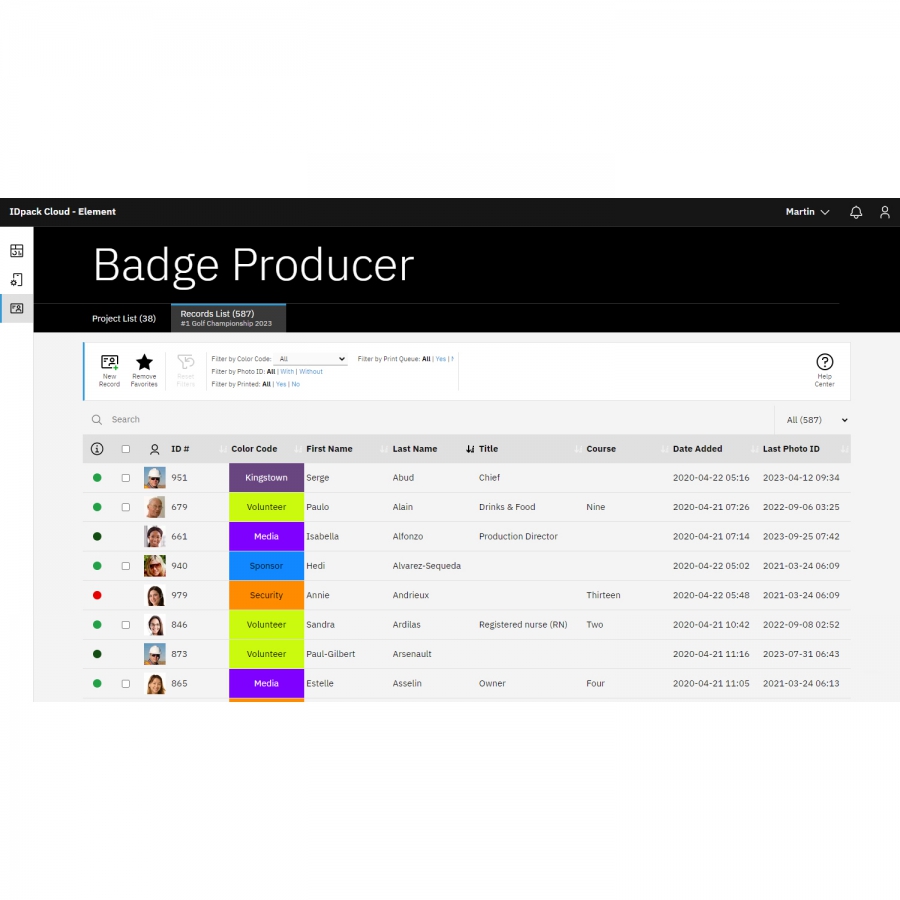
IDpack Element (12-month subscription)
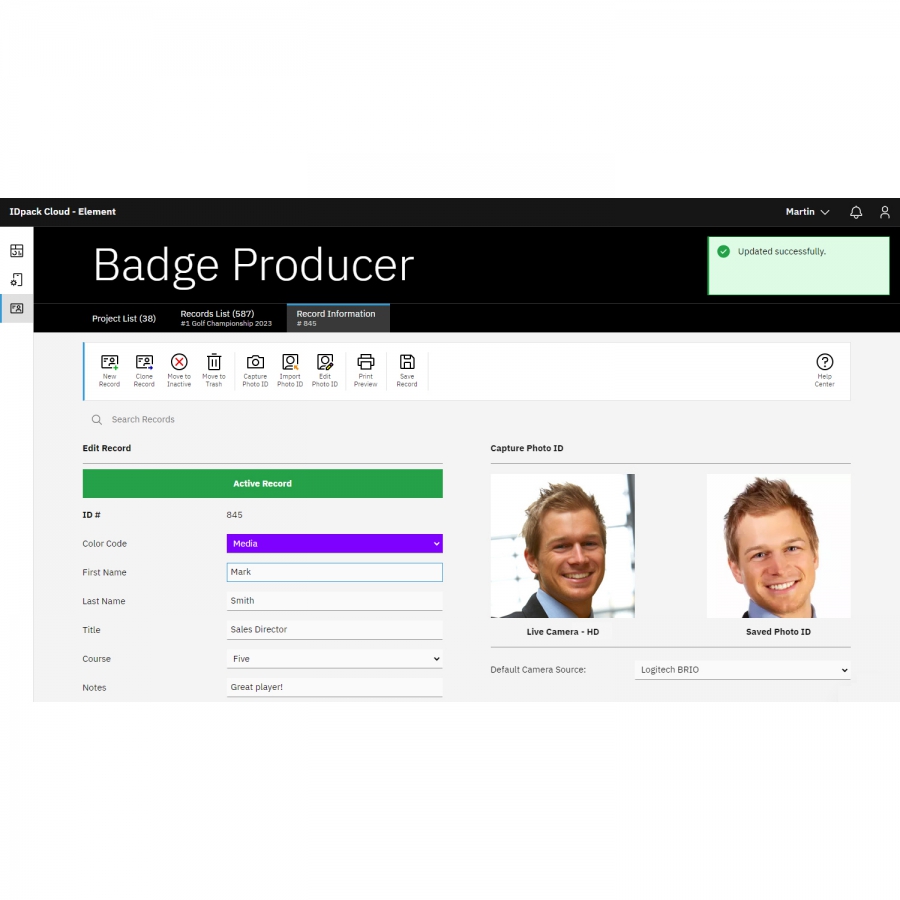
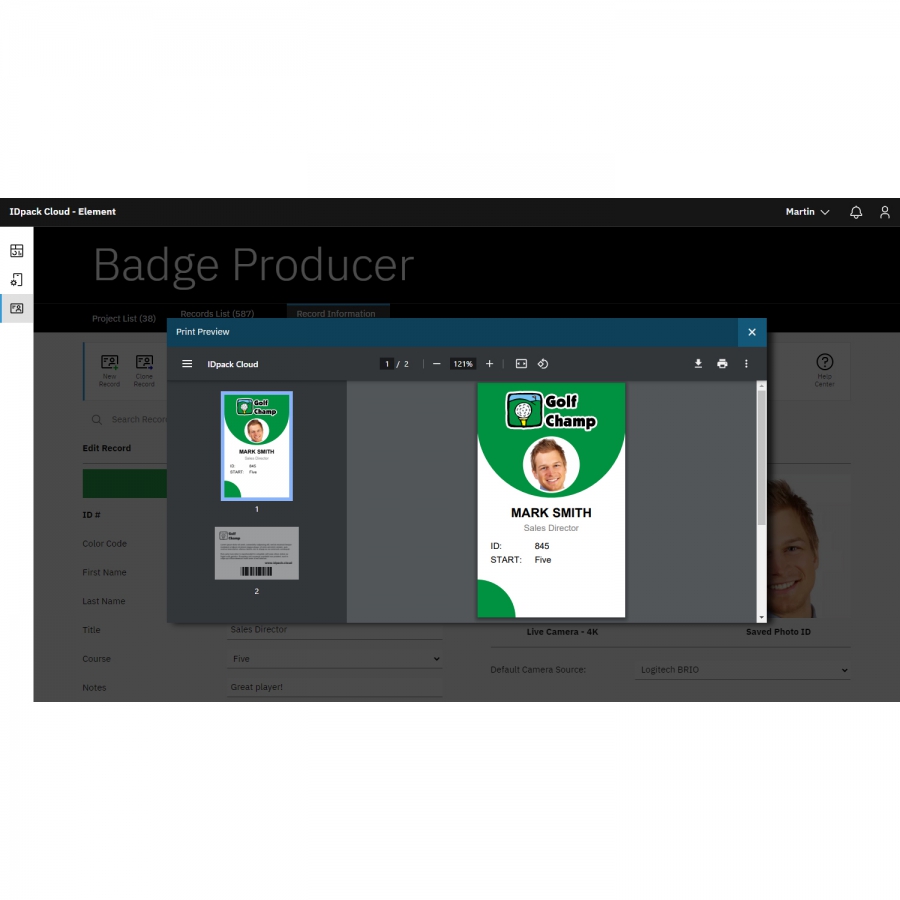
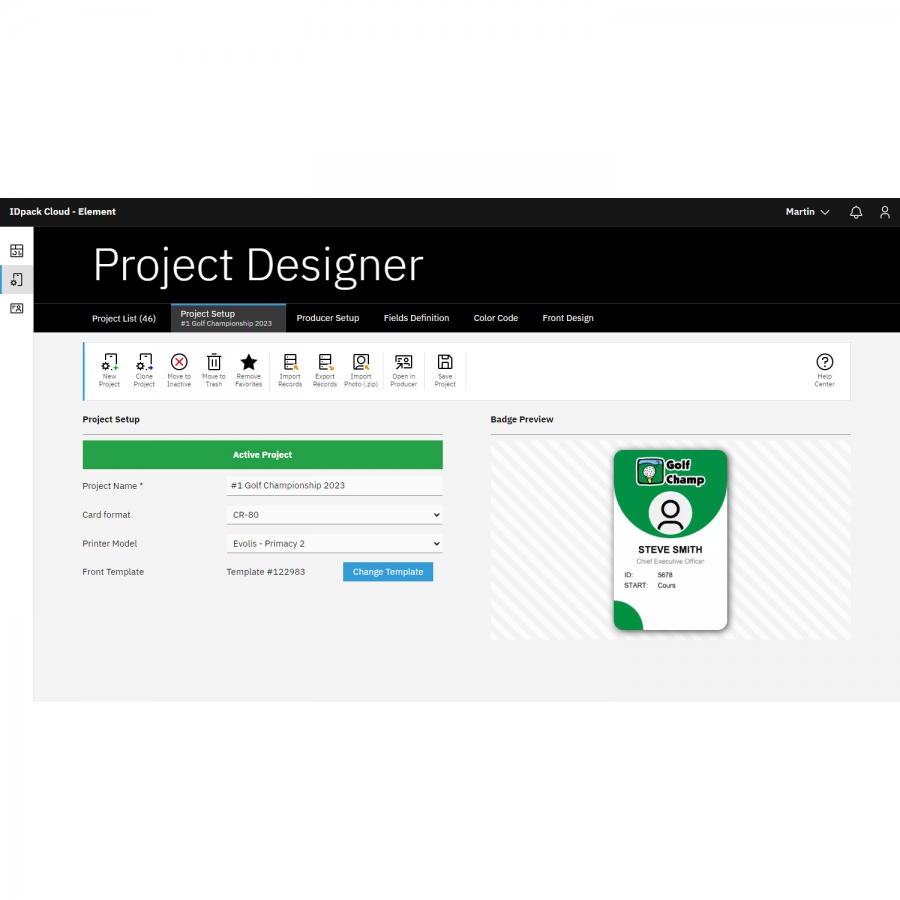
IDpack is a cloud-based identification and card issuance platform. IDpack Element is designed for small or non-profit organizations that require single-sided ID cards and can manage up to 600 records. Design, manage, and print ID cards anytime, anywhere using any modern web browser.
Before using IDpack, your system must meet the following minimum requirements:
Supported operating systems:
- Windows 10 and later
- macOS Catalina and later
- Android 9 and later
- ChromeOS
Supported modern web browsers:
- Google Chrome (recommended)
- Microsoft Edge
- Mozilla Firefox
- Apple Safari
Internet connection:
- A stable and fast Internet connection is required at all times
Recommended hardware:
- Card printer: Evolis, Zebra Technologies, Magicard, HID Global, Entrust, Team NISCA, or equivalent
- Webcam (external or integrated)
- Barcode reader with keyboard emulation
- Signature pad (Scriptel EasyScript or compatible)
Support notice:
- IDpack does not provide support for installing hardware devices
- Please refer to manufacturer documentation for proper installation
- Operating systems, browsers, and third-party software are not supported
Photo ID capture resolution:
- HD: 1280 × 720 (720p)
Recommended Products
Recommended Articles
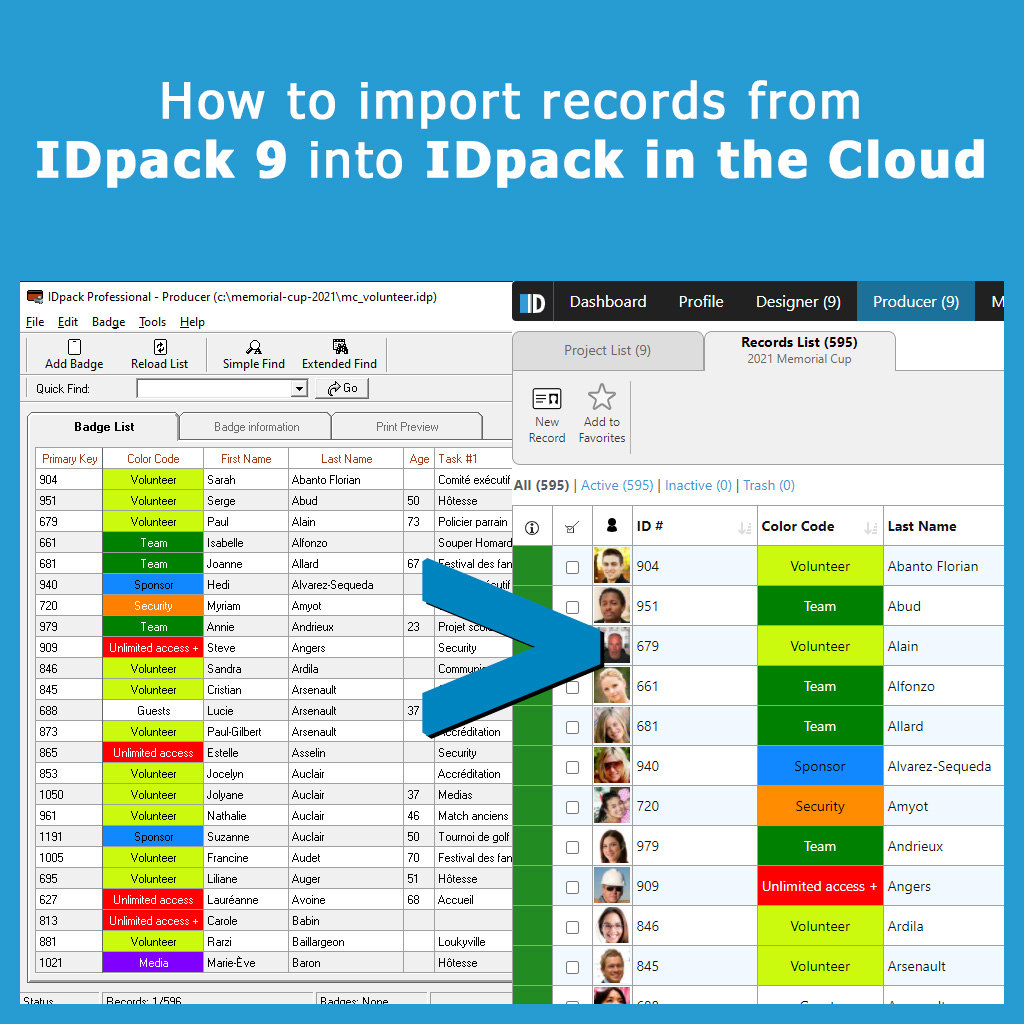 | We have put together a complete guide with 34 screenshots and 20 pages containing the steps required to import your setup and records onto IDpack in the Cloud | |
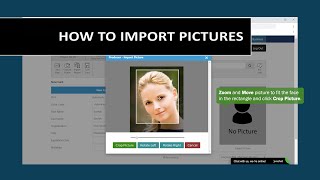 | In this video, we review how to import a picture into a record in Producer. Import Picture allows you to import .JPG, .PNG or .TIFF files, zoom in or out, move your image, crop the picture and import it into IDpack in the Cloud. | |
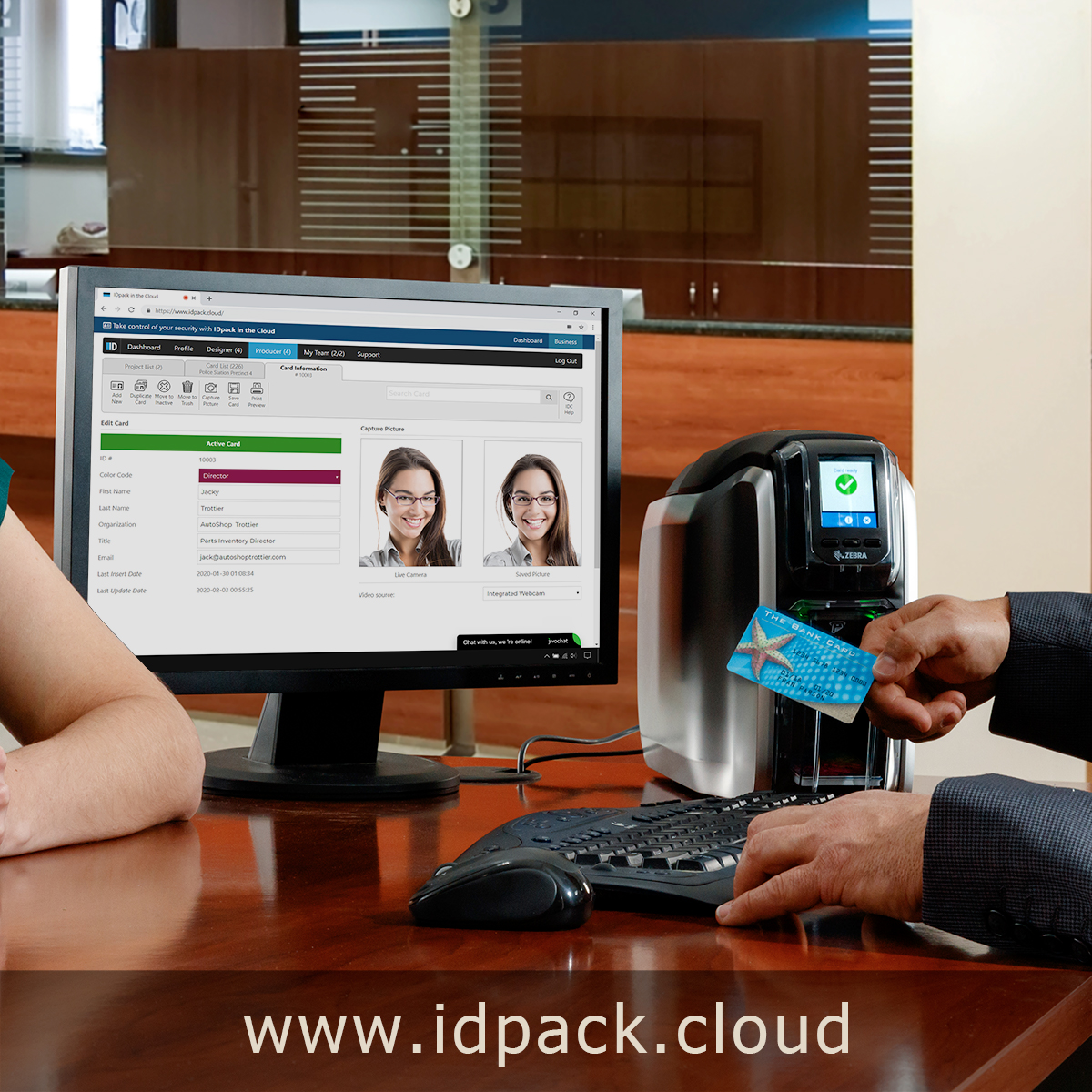 | IDpack Cloud by Aptika is the best solution for designing, managing and printing plastic ID cards online. Access your ID cards anywhere in the world (24 hours a day, 7 days a week) from any modern web browser, using our cloud-based solution. | |
| Aptika expands its selection of ID card software solutions with AsureID, EPI Suite, CardFive along with IDpack photo ID software programs. | ||
Product Video
PDF Brochures

QR code
Scan this QR code and see this product on your Smartphone with our Aptika Mobile App.

Is this product right for you?
Ask our experts! (800) 943-2341


