- Free Shipping for orders over $249*

- +1 800-943-2341
- Aptika.ca

- Aptika.com

- Currency: CAD
- Français
 My Account



IDpack Professional (12-month subscription)
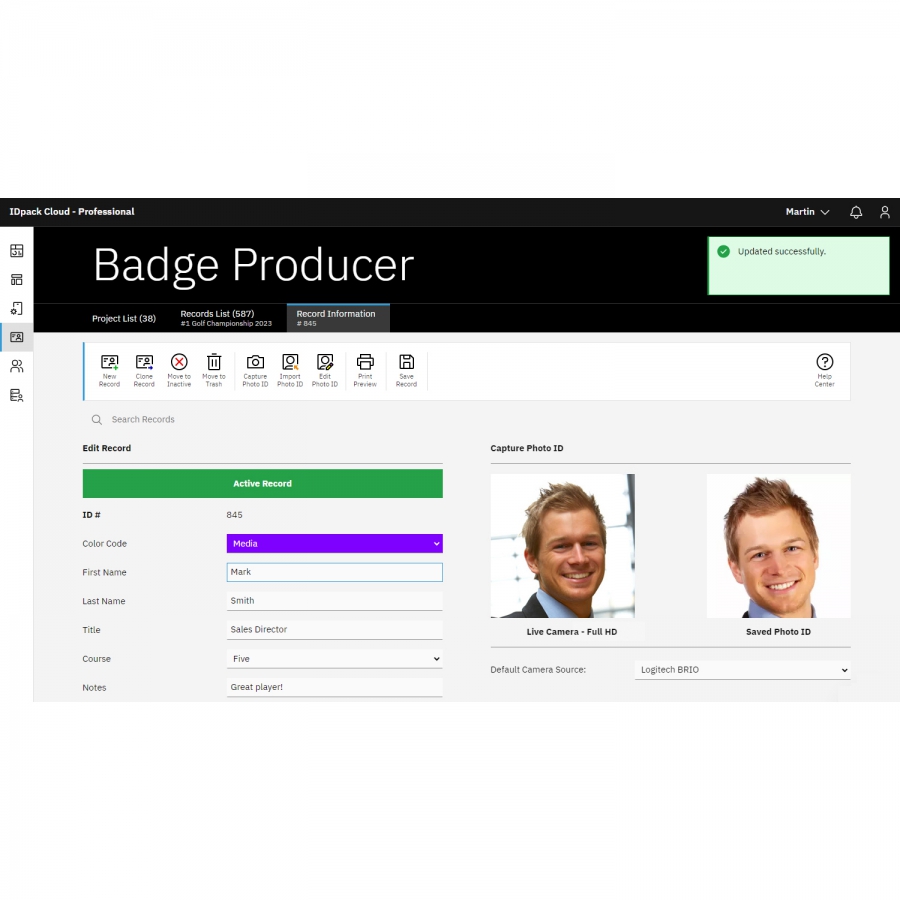
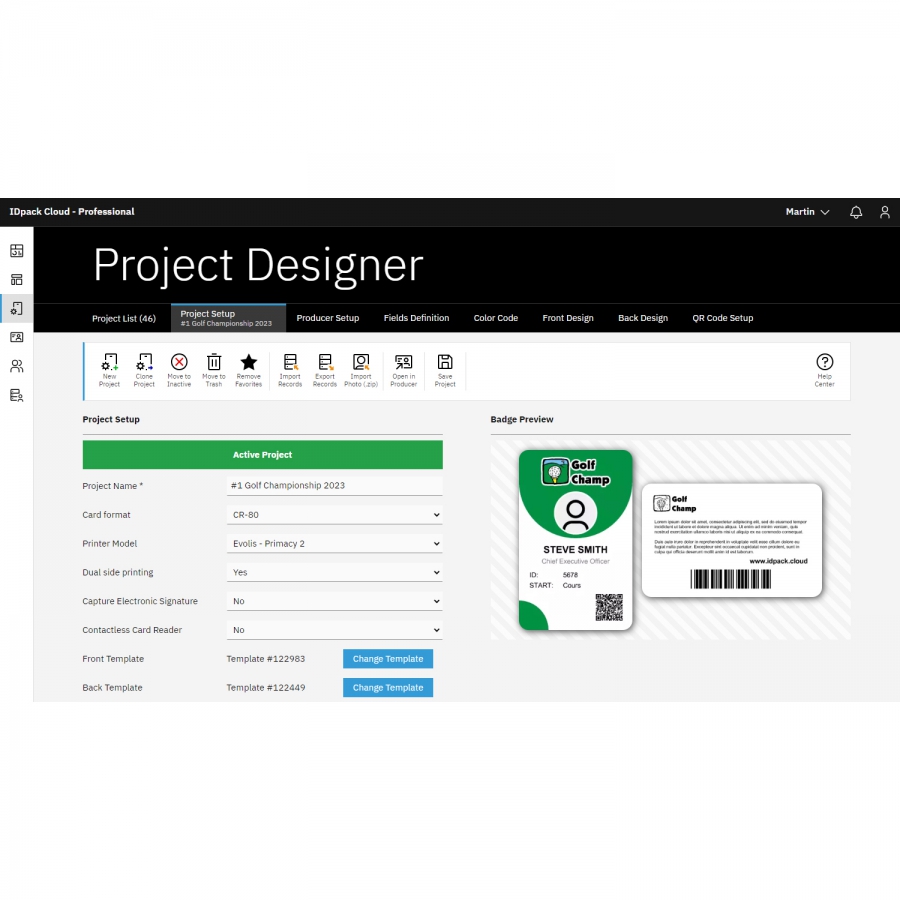
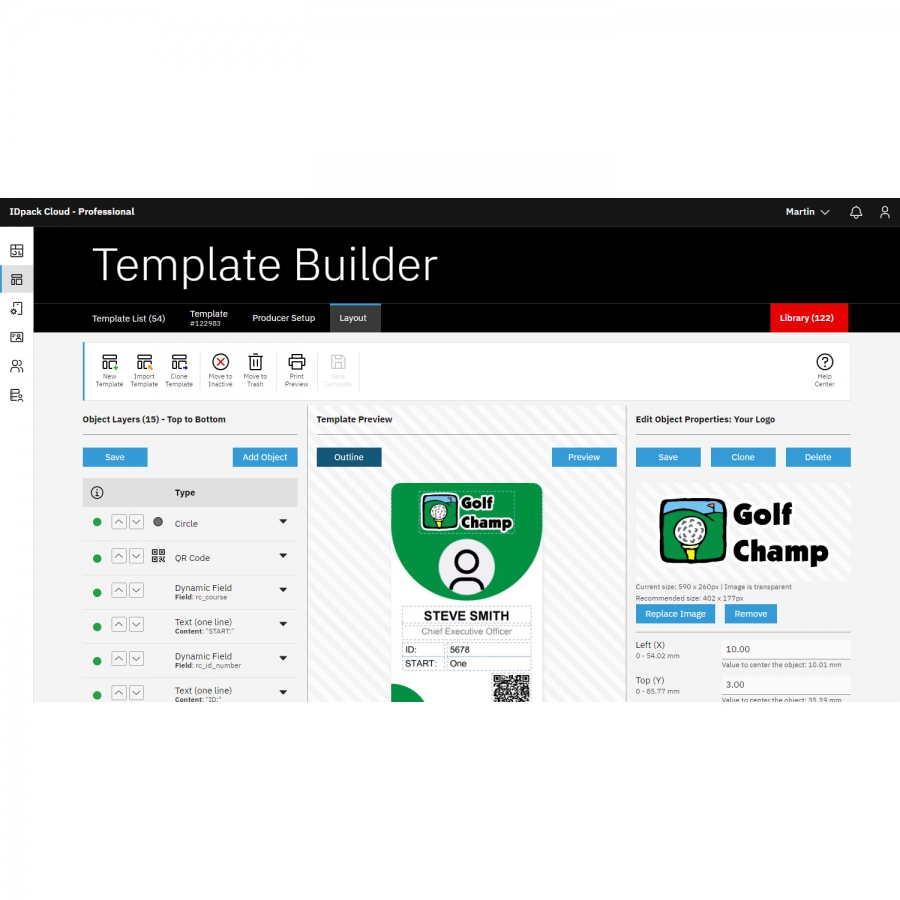
IDpack is a cloud-based identification and card issuance platform. IDpack Professional is designed for medium and large organizations that require single or double-sided ID cards and can manage up to 3,000 records. Design, manage, and print ID cards anytime, anywhere using any modern web browser.

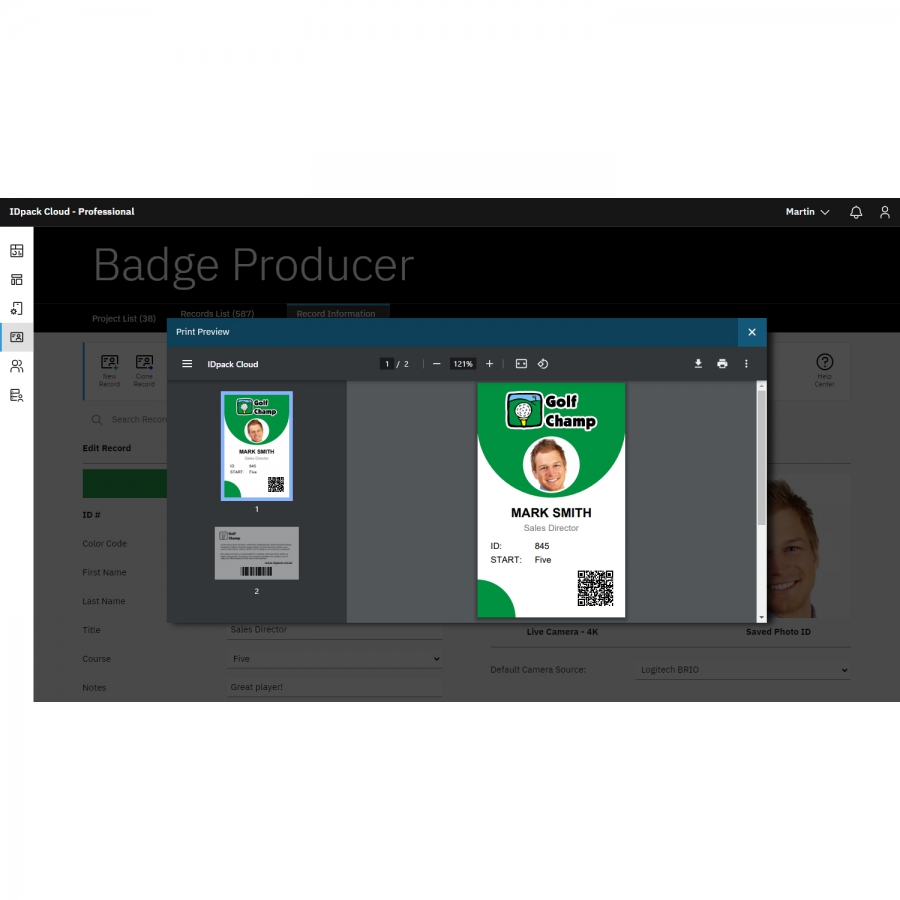
IDpack Professional includes advanced features for organizations that require higher capacity, enhanced image quality, and broader collaboration. The plan supports QR codes, up to 4K Ultra HD photo ID quality, record import and export, secure data handling, and role-based access for multiple users.
The Professional plan includes up to 75 projects, each with its own dedicated design and data set, allowing organizations to manage multiple departments, events, or operational workflows independently within a single account.
IDpack supports a wide range of identification needs, including access control cards, convention badges, student ID cards, price tags, membership cards, event passes, and other identification formats. Projects and records can be accessed securely at any time using IDpack.
- Design and print badges, labels, wristbands, price tags, and cards.
- Compatible with PVC card, label, photo, large-format (ZC10L), and wristband printers.
- Up to 3,000 records included (expandable).
- Up to 75 projects with independent designs (expandable).
- Up to 15 users with role-based access (expandable).
- Upgrade your plan or capacity at any time.
- Unique OpenSSL encryption keys protect sensitive data.
IDpack Professional provides a powerful and user-friendly environment for producing high-quality photo ID cards, badges, name tags, and labels for corporate security, employees, schools, libraries, memberships, events, and large-scale deployments. IDpack supports the CR80 plastic card format used by Evolis, Zebra Technologies, Magicard, HID Global, Entrust, Team NISCA, and other leading card printer manufacturers.
You can try IDpack for free with the IDpack Starter plan, which includes 25 records, 2 projects, and 1 user.
This is a 12-month software subscription. The subscription expires after 12 months and is not automatically renewed.
Additional capacity for records, projects, and users can be added at any time as your needs grow.
* Proper hardware and a fast Internet connection are required to take full advantage of IDpack.
Recommended Articles
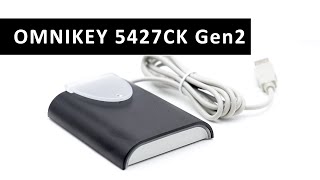 | The HID OMNIKEY 5427 CK reader is the ultimate choice, supporting both 13.56 MHz HF and 125Khz LF frequency. Fully configurable and programmable keyboard wedge and native CCID implementation supporting WINDOWS, LINUX, and MAC operating systems. | |
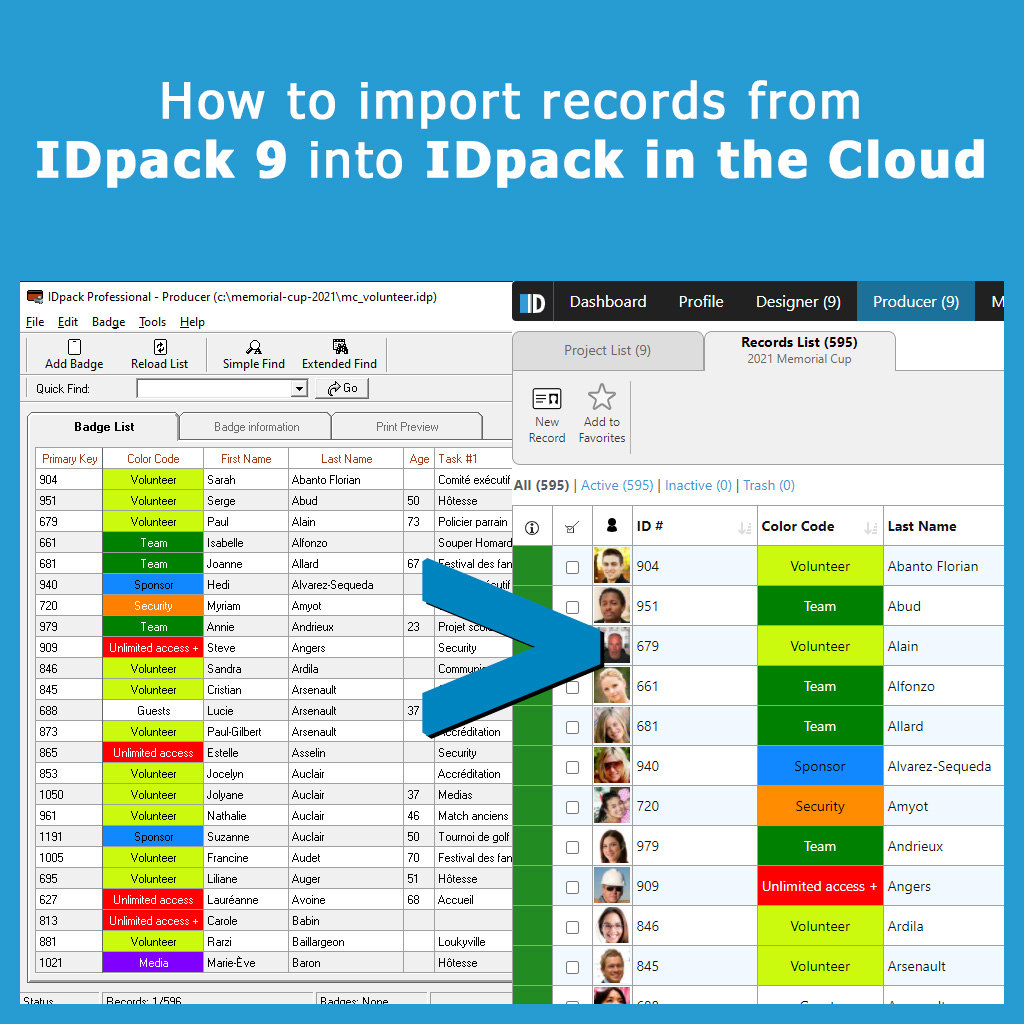 | We have put together a complete guide with 34 screenshots and 20 pages containing the steps required to import your setup and records onto IDpack in the Cloud | |
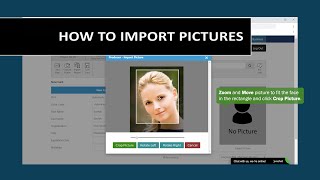 | In this video, we review how to import a picture into a record in Producer. Import Picture allows you to import .JPG, .PNG or .TIFF files, zoom in or out, move your image, crop the picture and import it into IDpack in the Cloud. | |
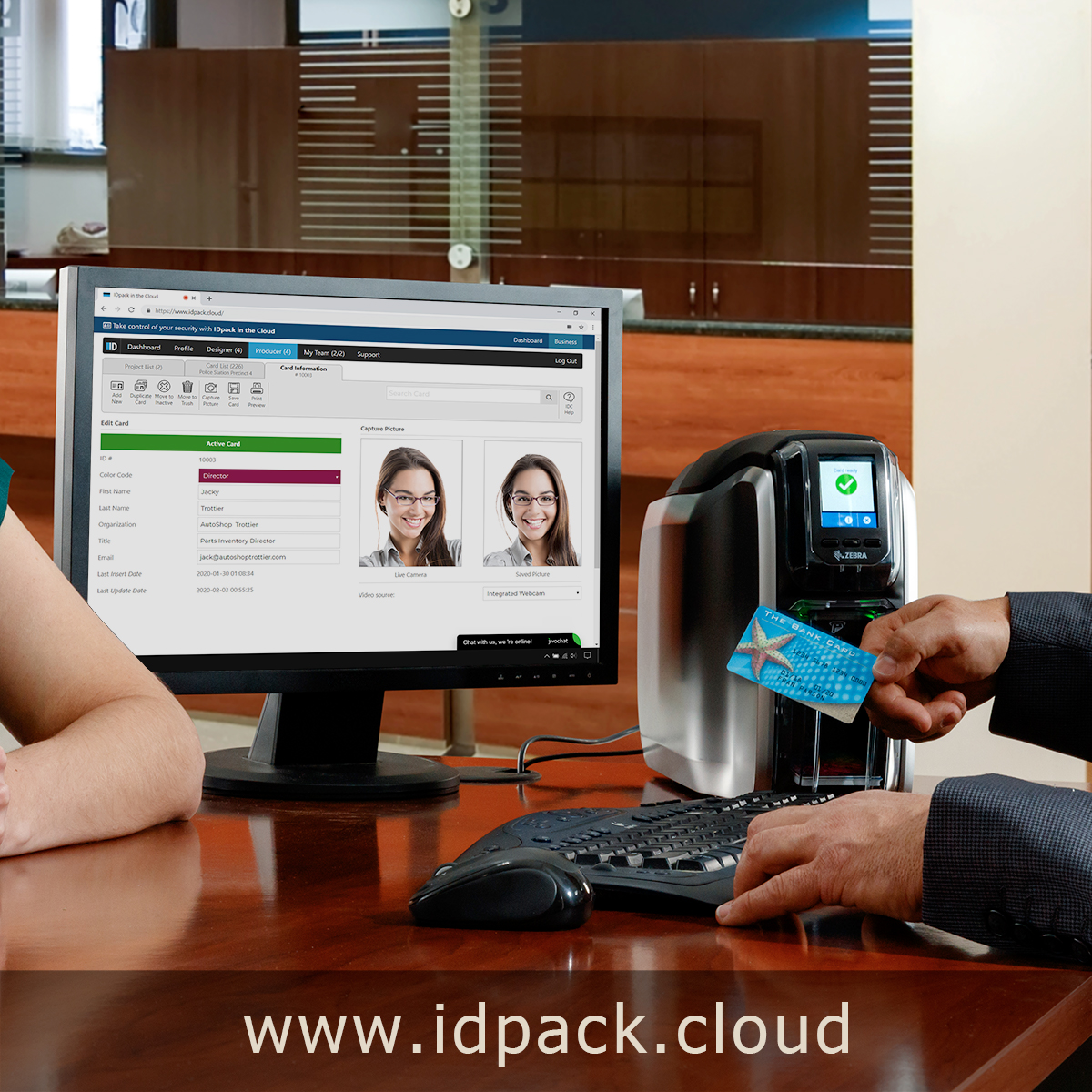 | IDpack Cloud by Aptika is the best solution for designing, managing and printing plastic ID cards online. Access your ID cards anywhere in the world (24 hours a day, 7 days a week) from any modern web browser, using our cloud-based solution. | |
| Aptika expands its selection of ID card software solutions with AsureID, EPI Suite, CardFive along with IDpack photo ID software programs. | ||

Scan this QR code and see this product on your Smartphone with our Aptika Mobile App.

Is this product right for you?
Ask our experts! (800) 943-2341


